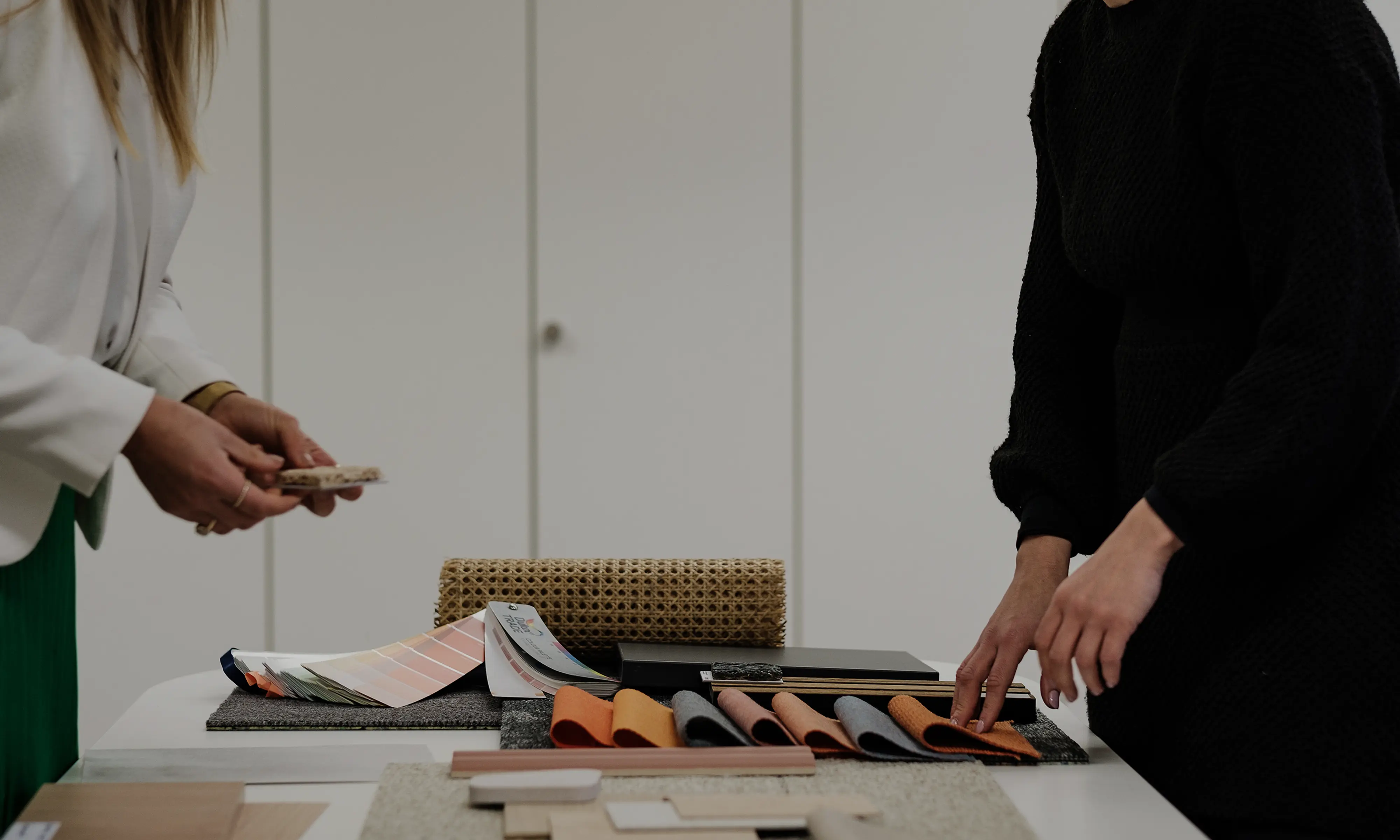
Virtual Material Samples
Source Photorealistic Virtual Material Samples

Never limit your design
Thousands of materials instantly accessible
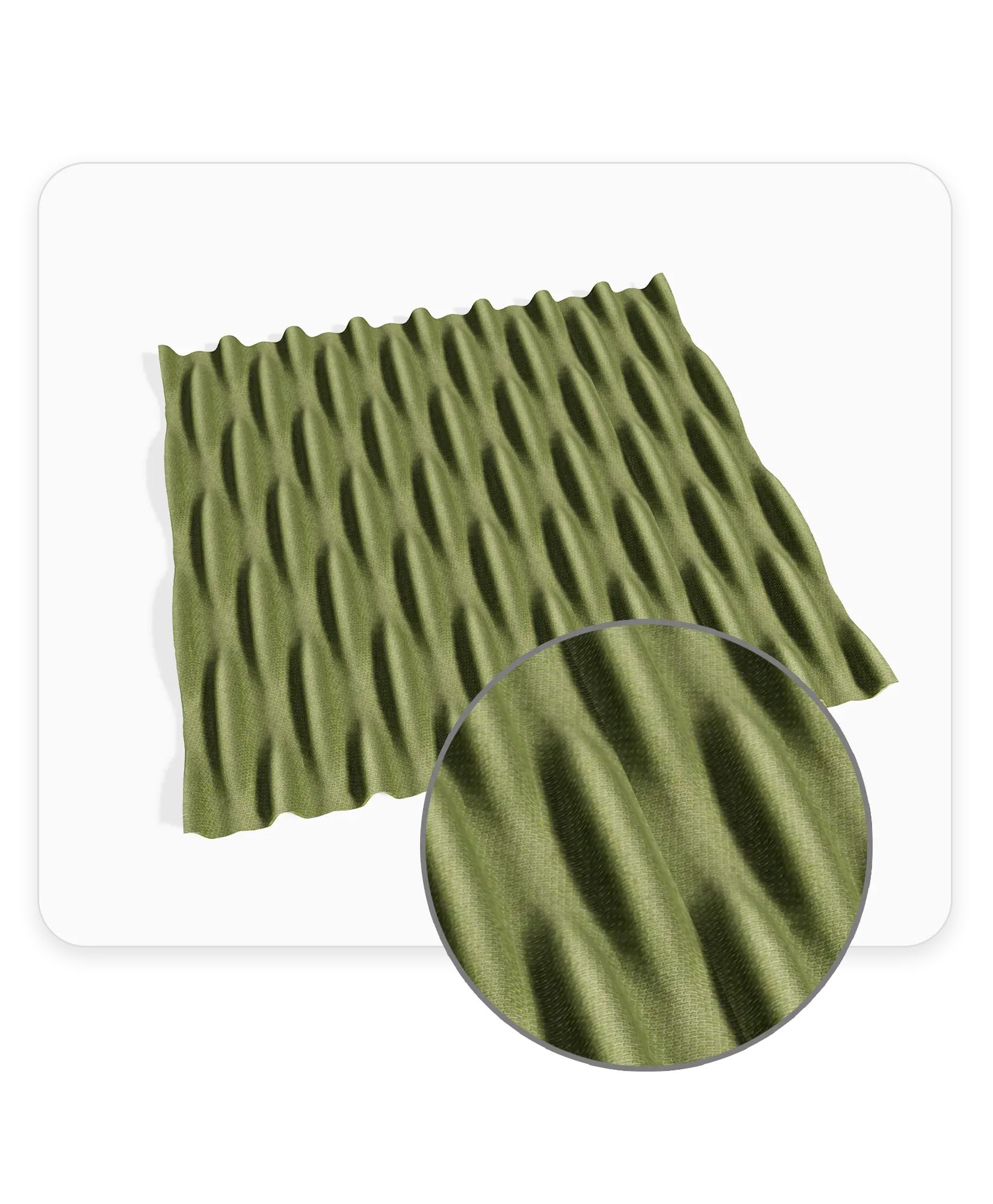
True-to-Life Textures
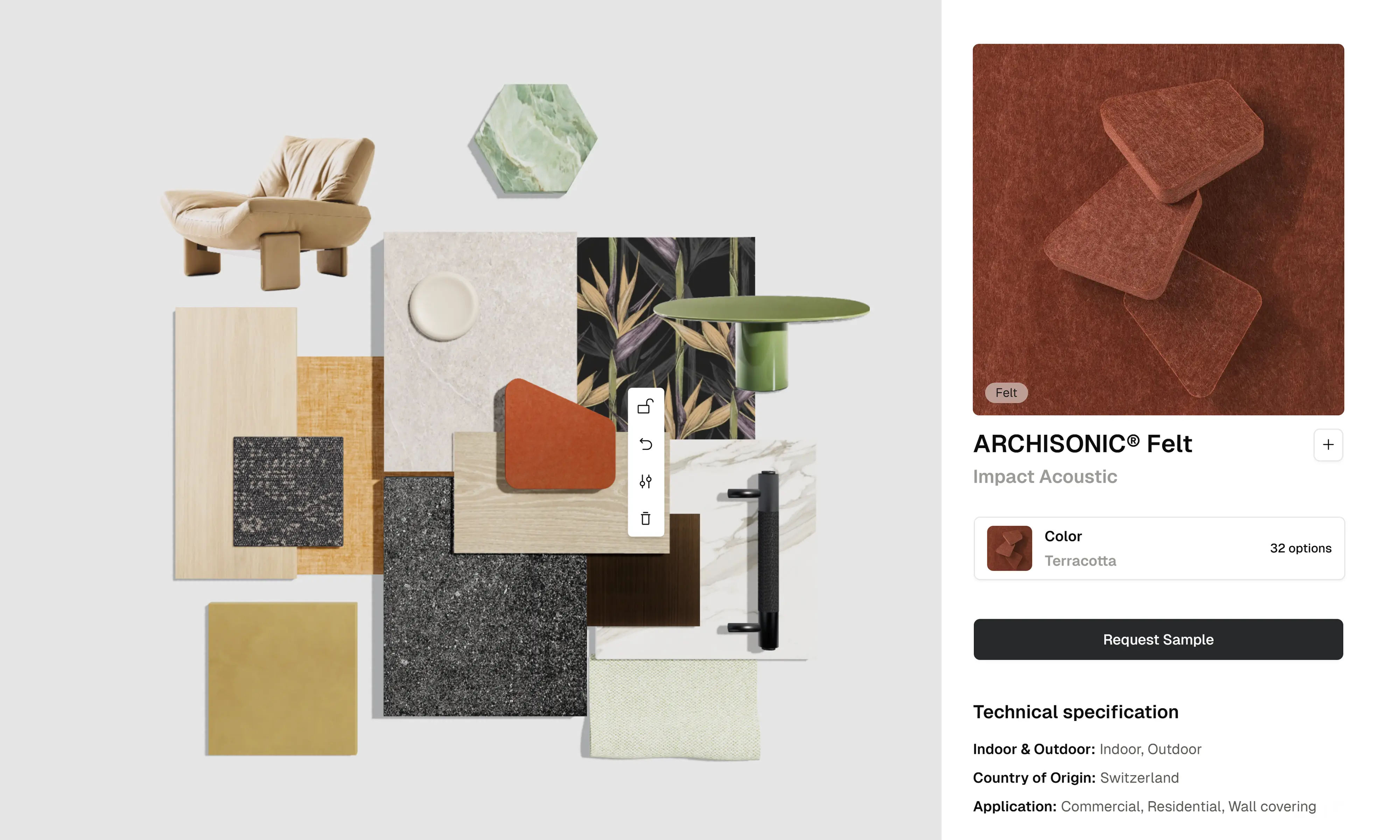
See exactly what you are specifying. Zoom in to examine the weave, grain, and finish of our materials, just as if you were holding the physical sample.
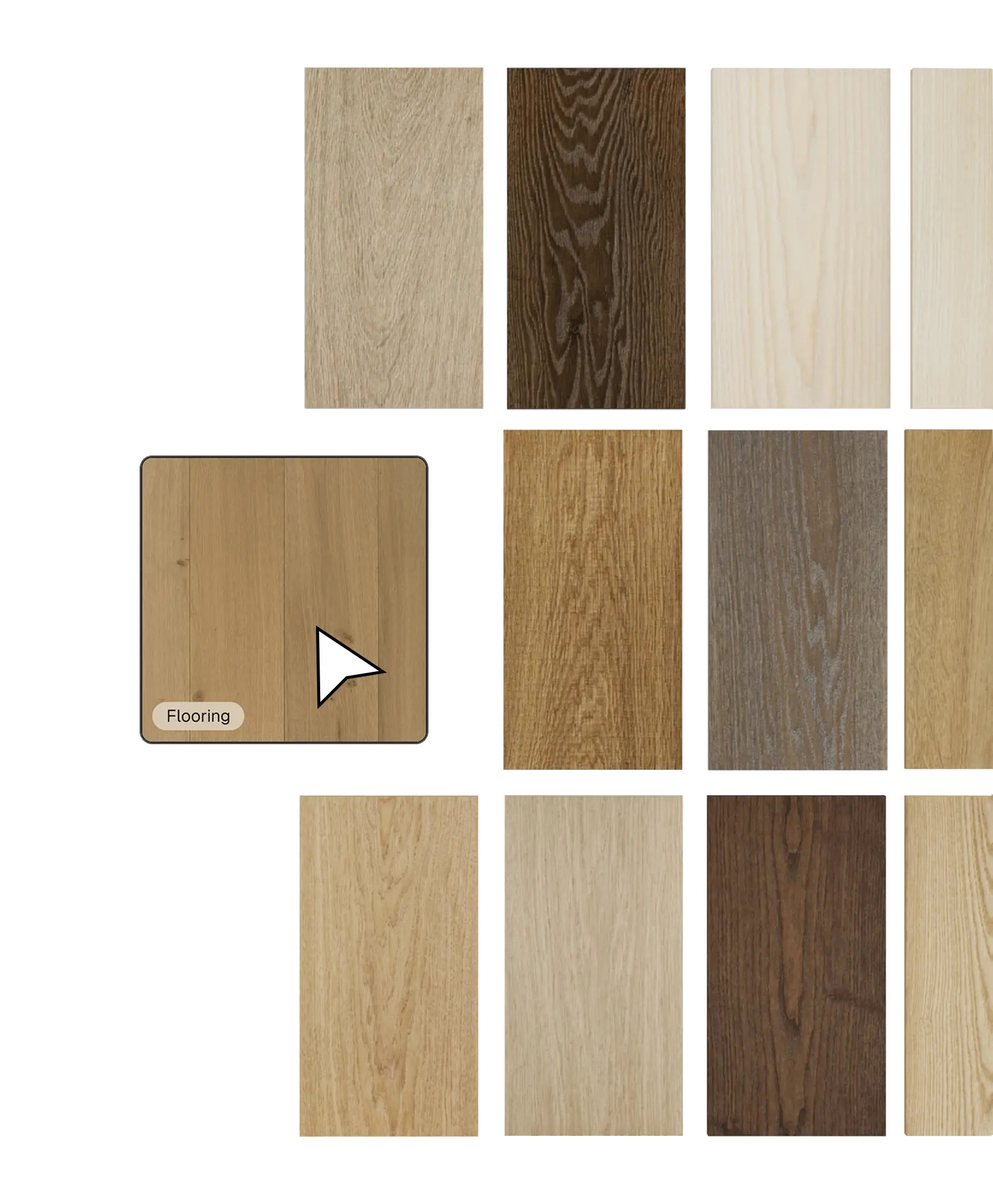
Source Materials Faster
Stop searching through endless catalogs. Browse our library to find the exact look you need, compare specs side-by-side, and make decisions without the guesswork.
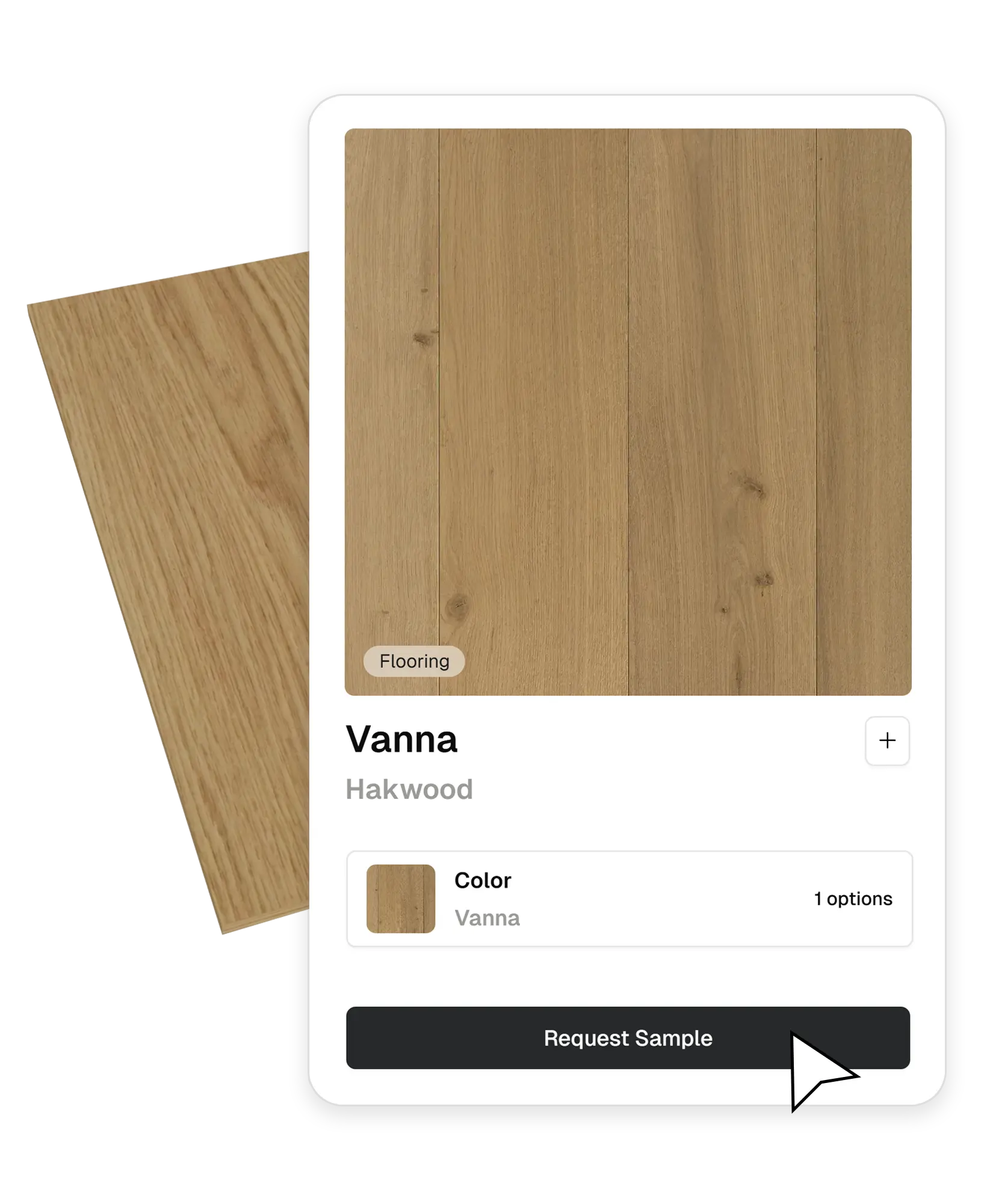
Direct Supplier and Brand Connection
Instantly connect with brands or local distributors suppliers to request physical samples and quotes with just one click.
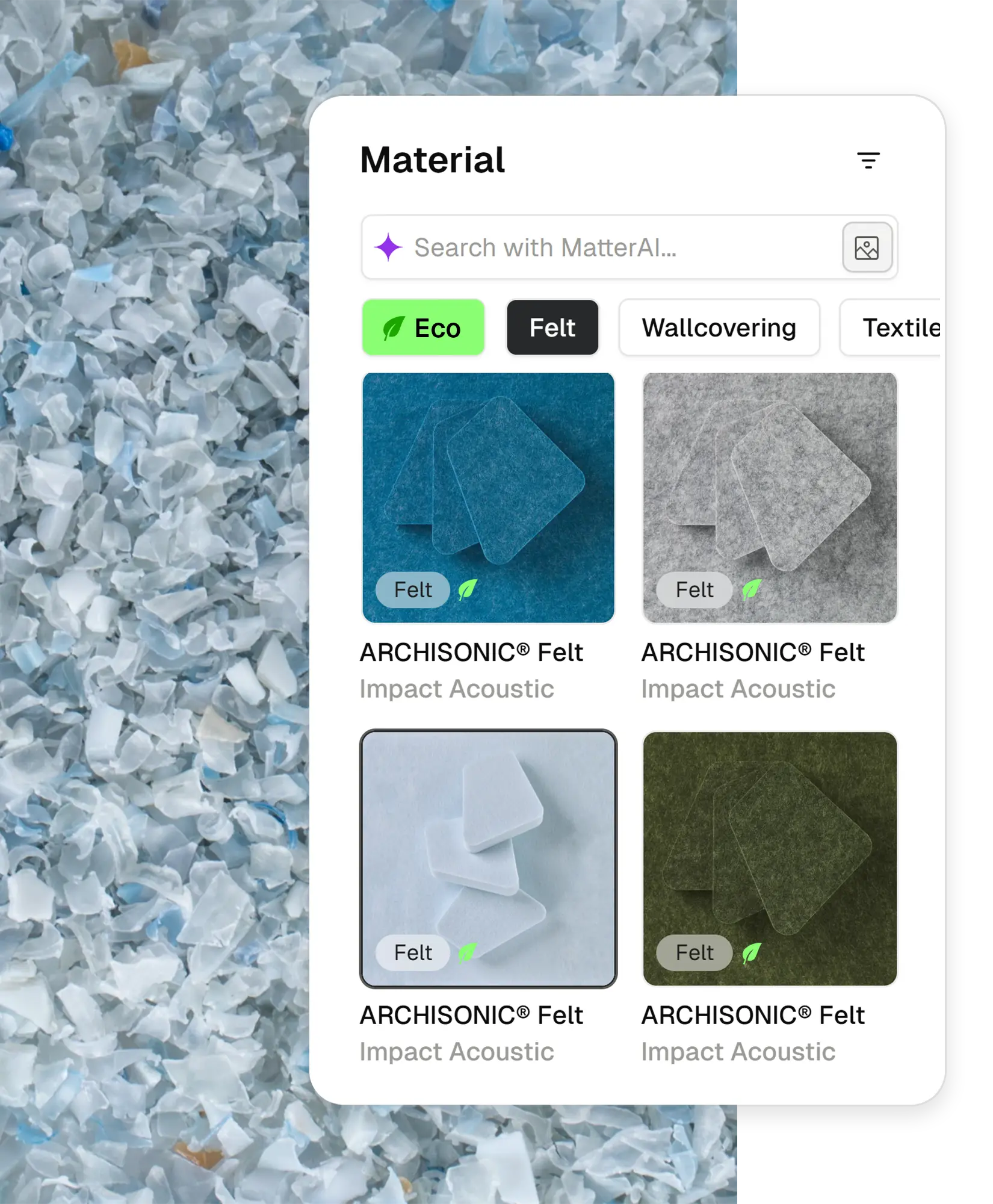
Sustainable Material Sourcing
Commit to a sustainable future. We highlight eco-friendly products and certifications to help designers source responsibly.
Virtual vs. Physical Material Samples
Both have a place in a specification workflow — the difference is when you reach for each. Designers shortlist material samples virtually, then order only the finalists.
Shortlist with virtual samples
Browse thousands of material samples in minutes, inspect the weave, grain, and finish in photorealistic 3D, and compare options side by side — no courier, no waiting, no sample waste.
Confirm with physical samples
When a material makes the final cut, request the physical sample from the brand or local distributor in one click, and sign off on touch and color under real site lighting.
Comprehensive Product Data for Specification
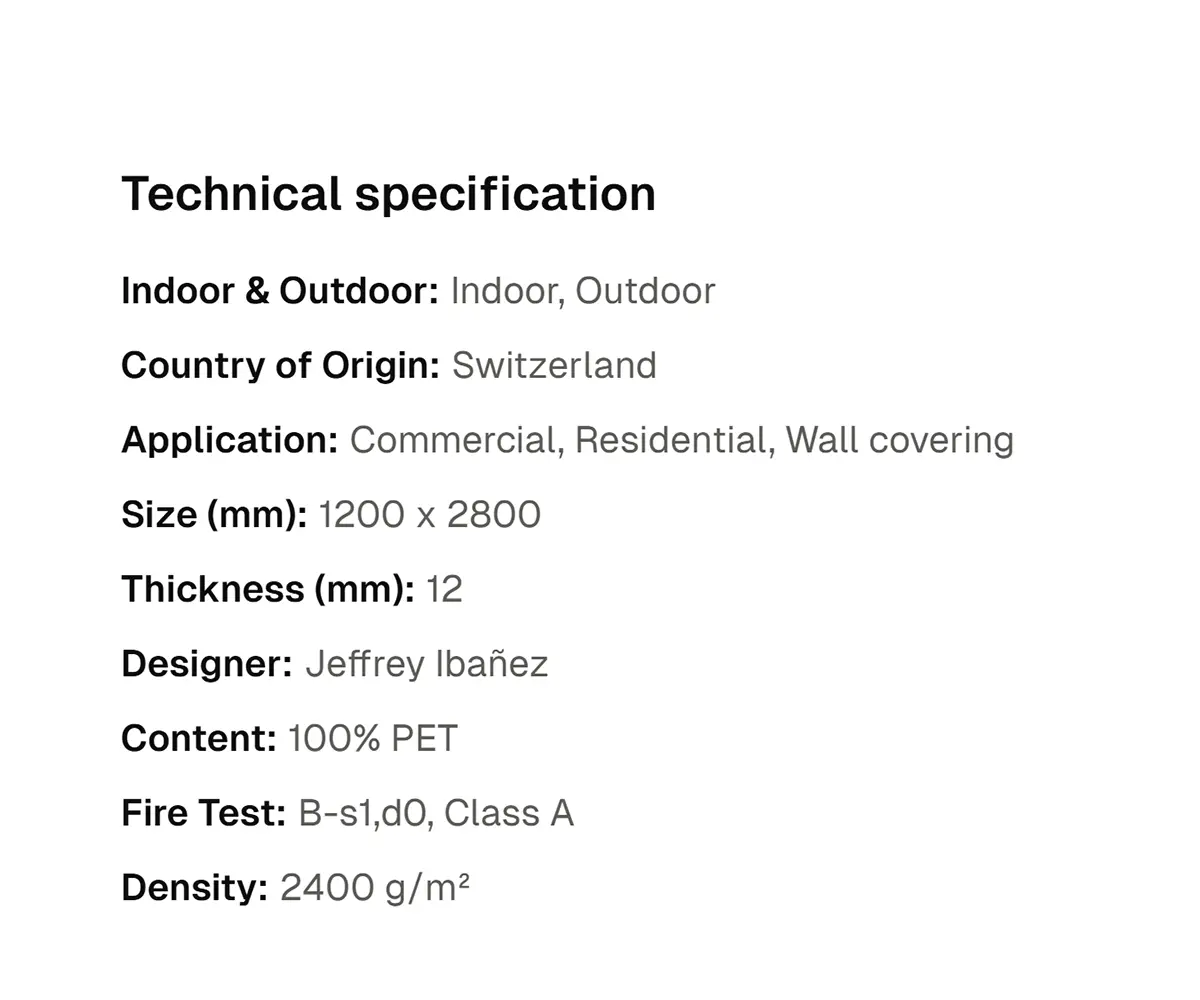
Technical Specs
Get all the technical specs, certifications, and data you need for your documentation.
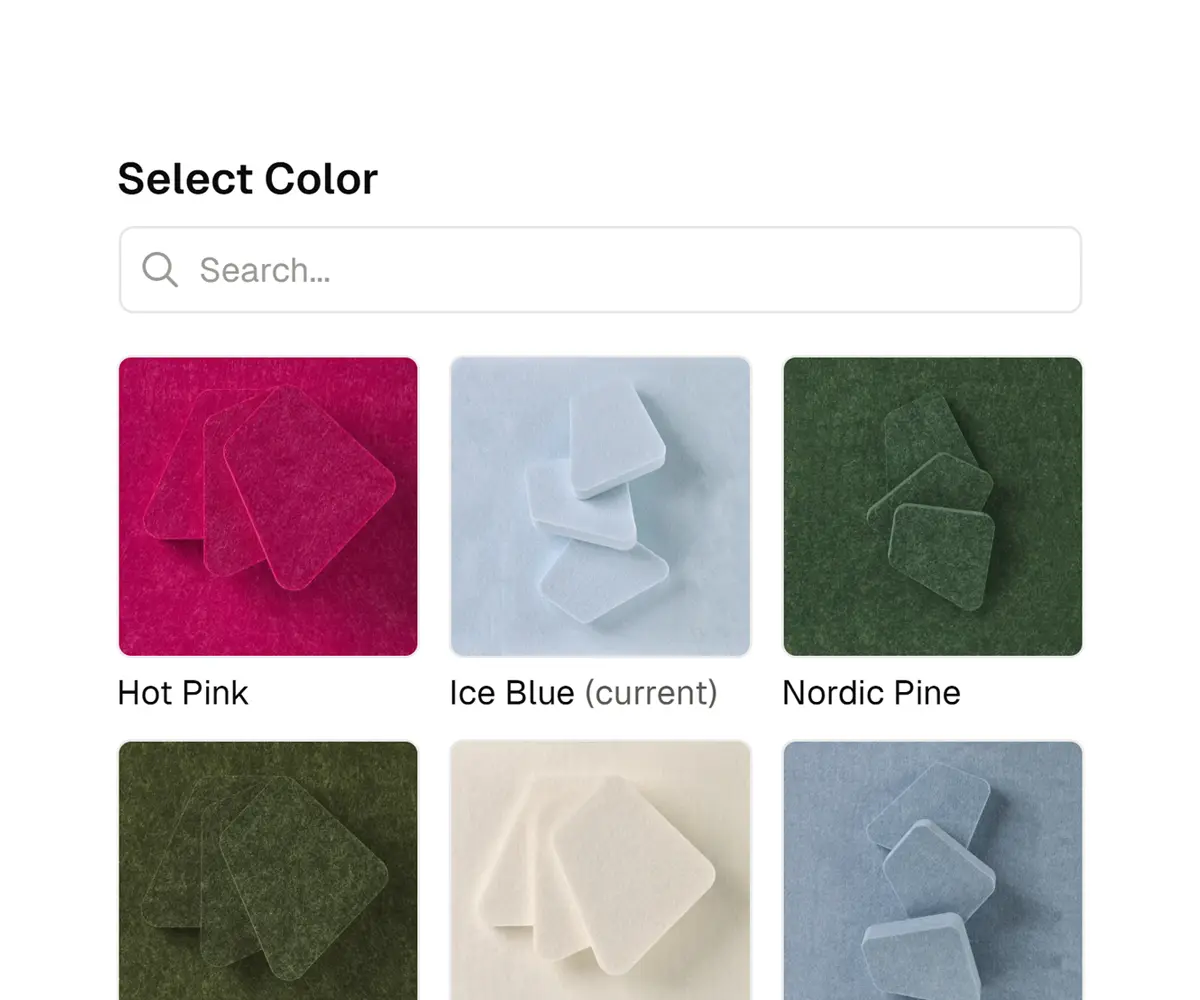
Instant SKU Variations
Instantly switch between colors and finishes to find the perfect match for your design.
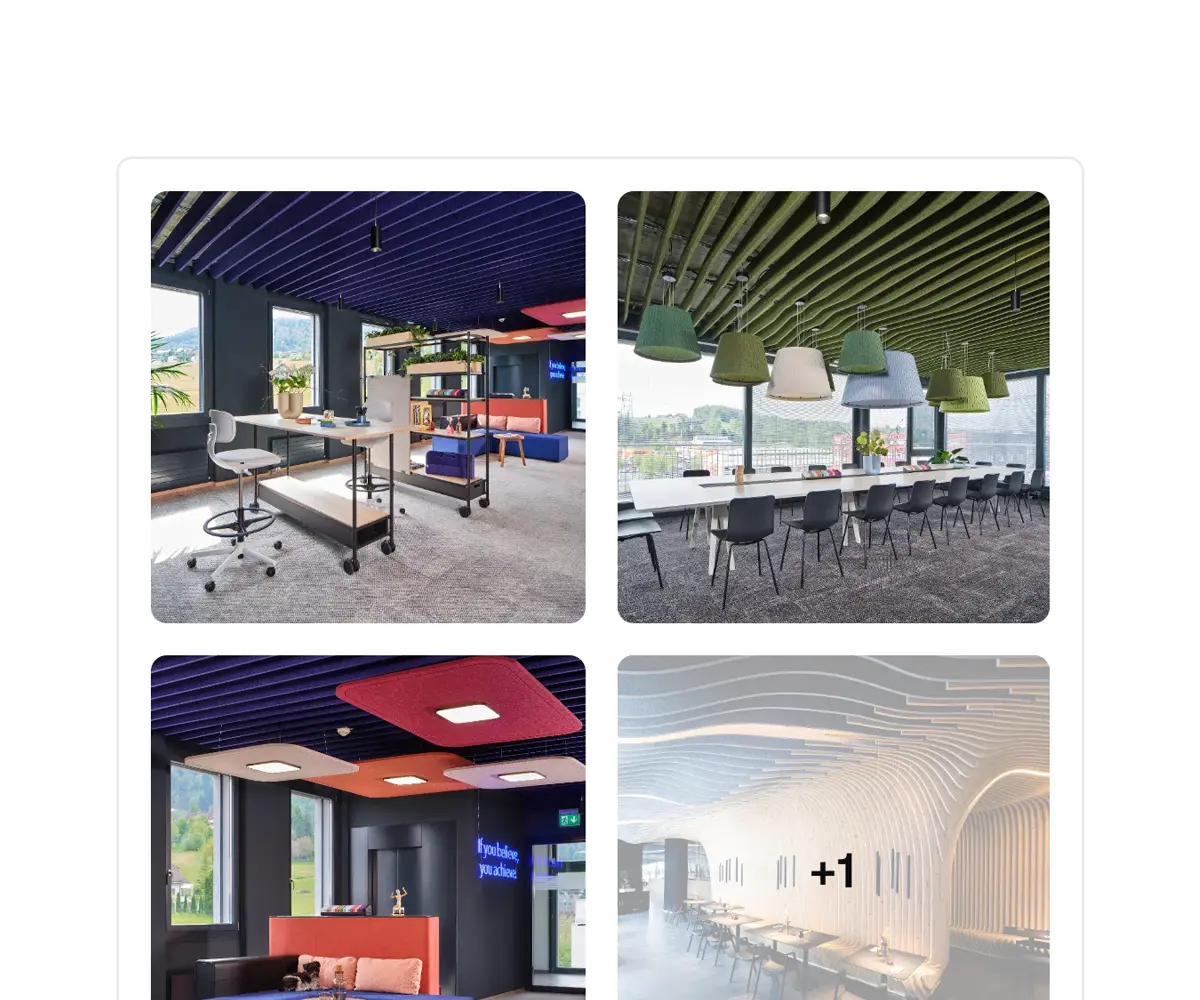
Real-World Gallery
View immersive galleries showcasing real-world project applications and installations.
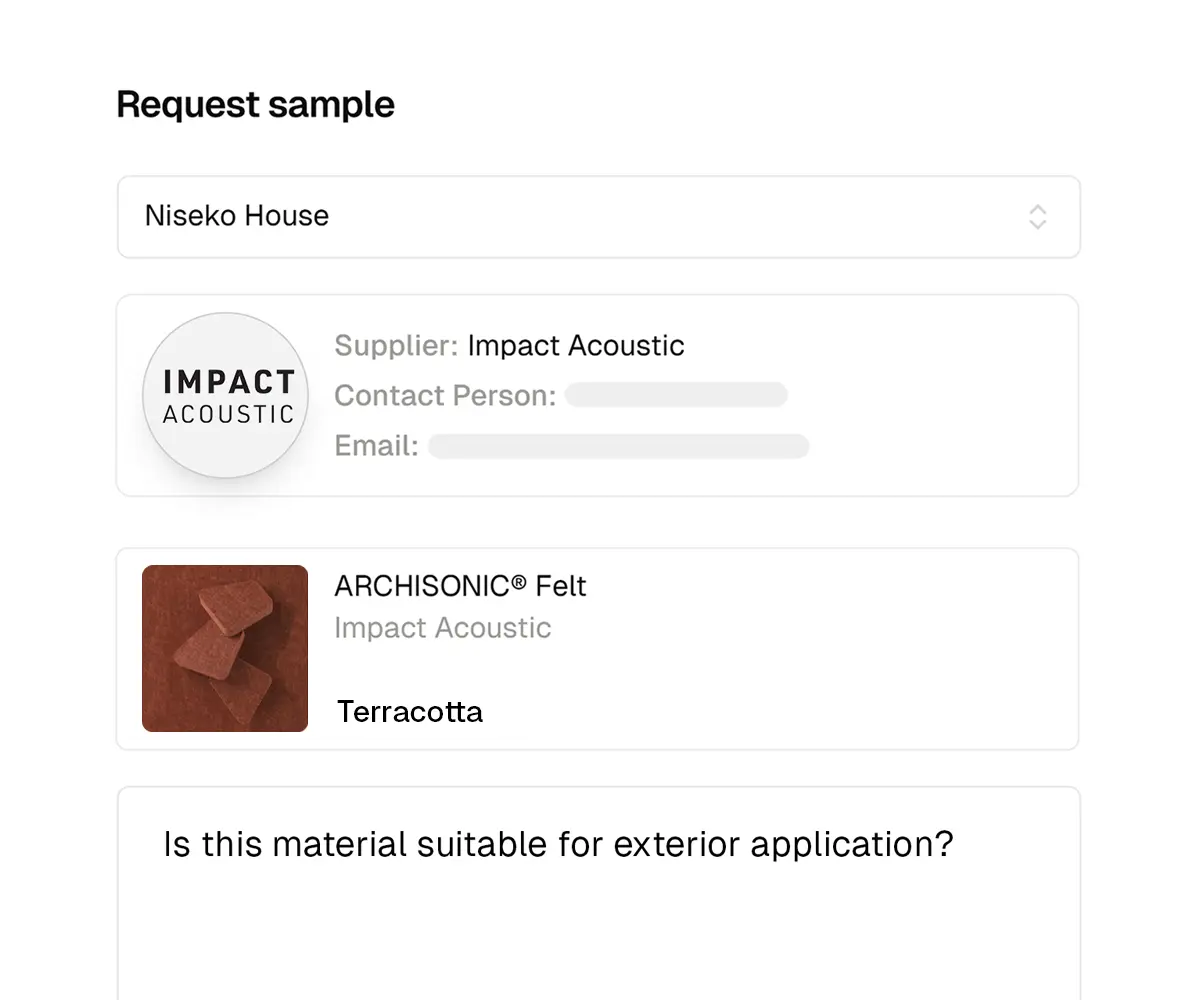
One-Click Requests
Directly connect with brands and suppliers to request pricing quotes and physical material samples.
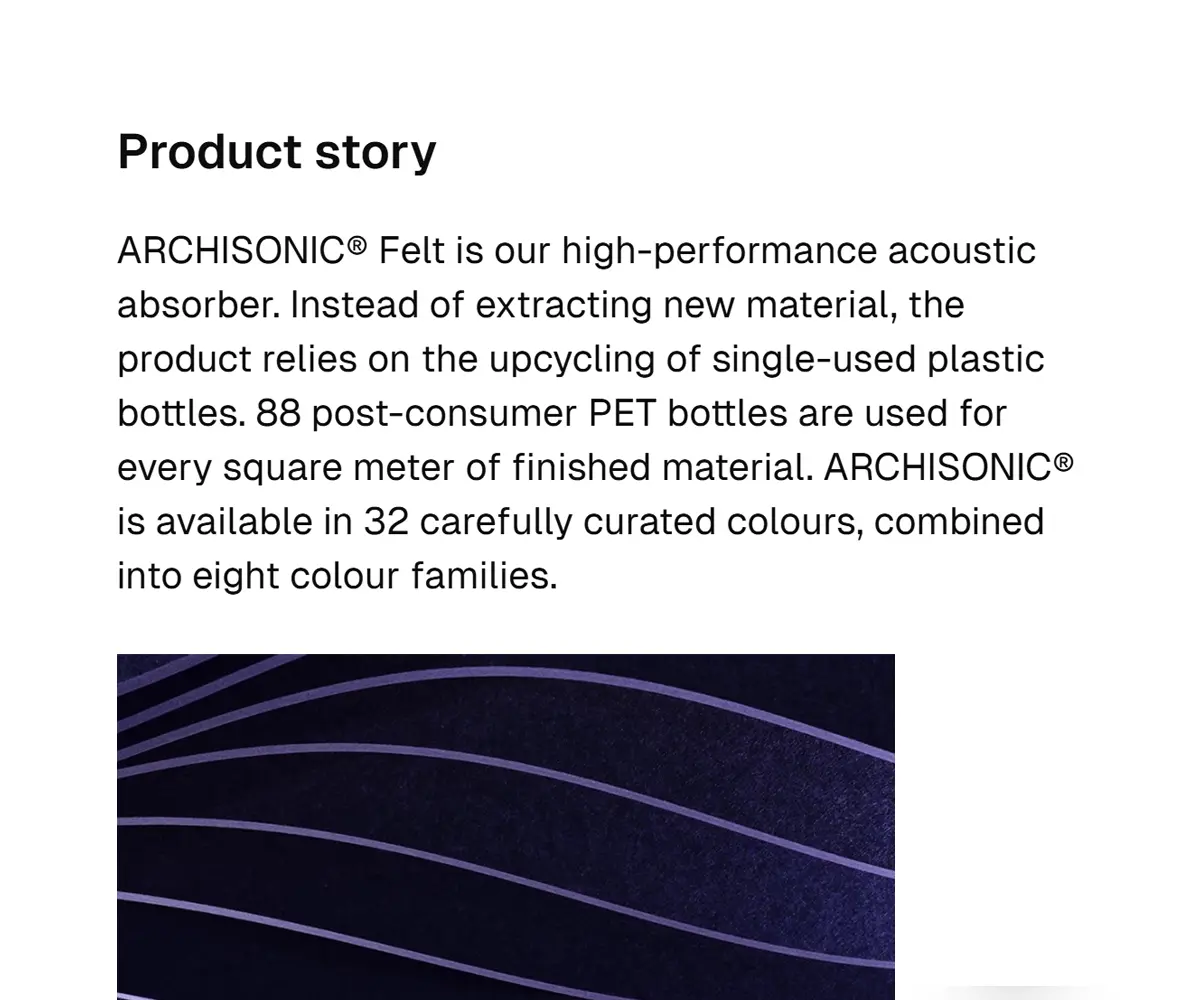
Product Story
Discover the design heritage, manufacturing process, and key features behind the product.
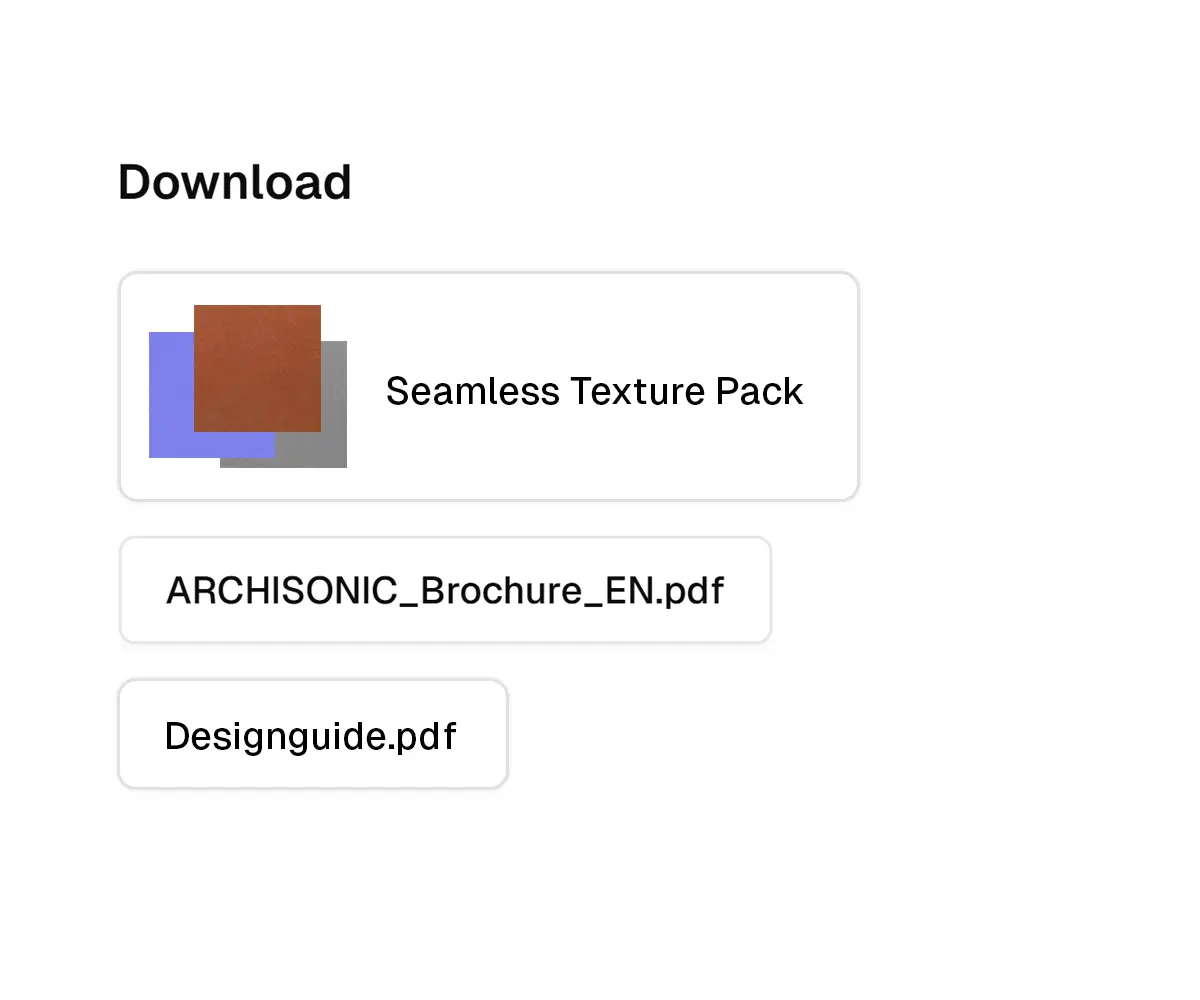
Download BIM & CAD
Instant access to seamless textures, 3D models, BIM objects, and PDF catalogs.
Create Custom 3D Product Models
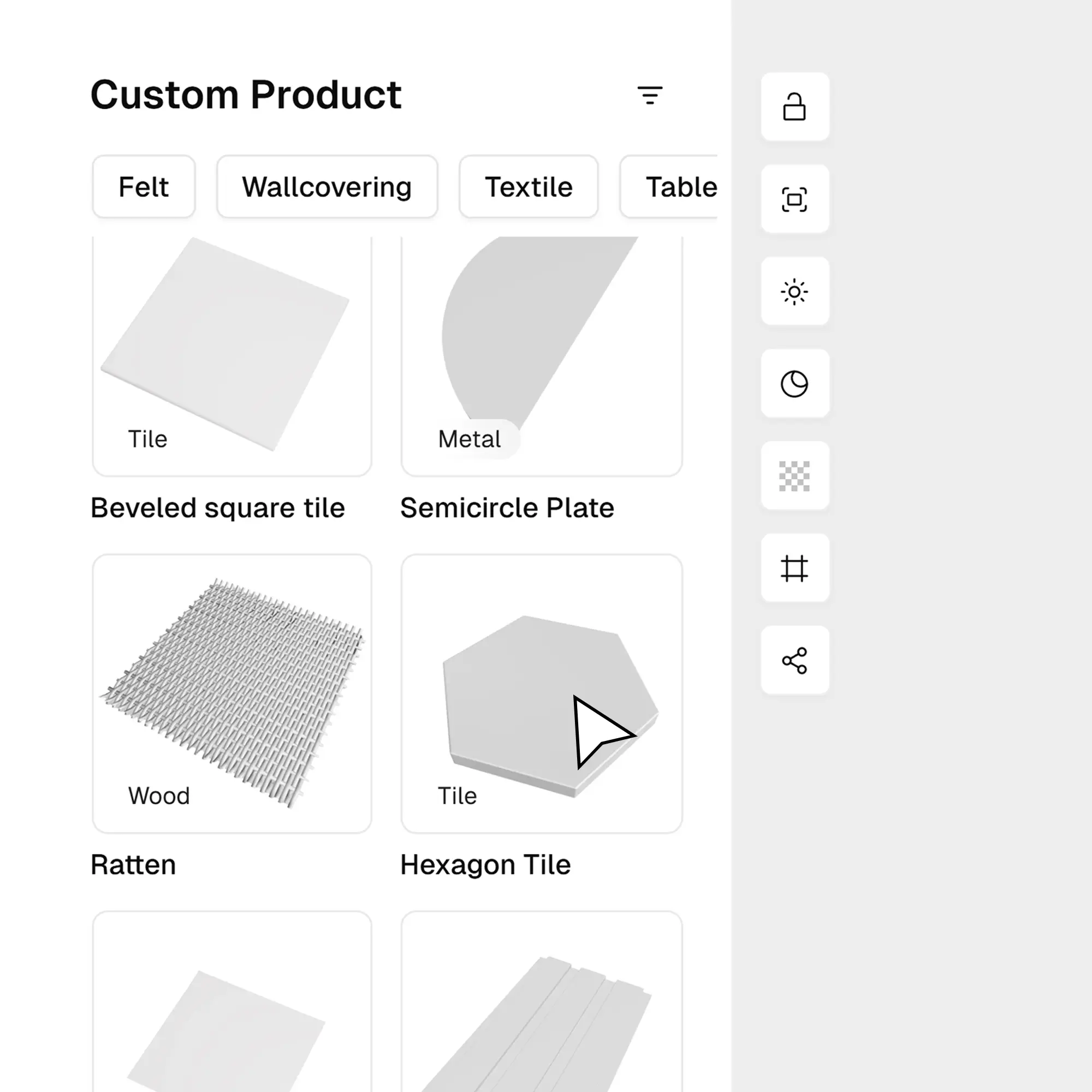
Step 1: Select a Model Template
Start with a high-quality 3D base. Choose from our extensive library of furniture, fixtures, and architectural elements.
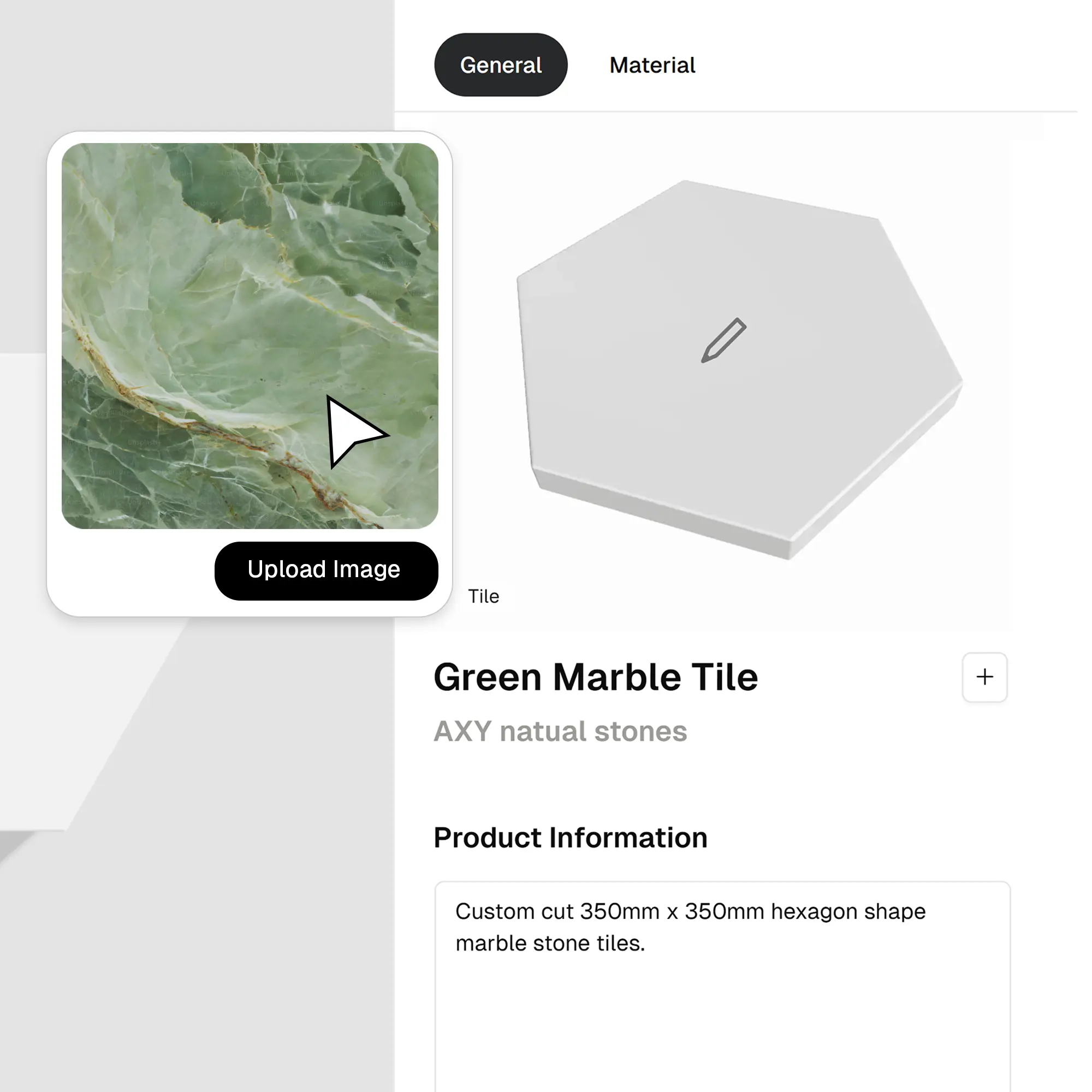
Step 2: Upload Custom Finishes
Make it yours. Upload specific fabric scans, wood grains, or surface textures to match your real-world product specifications.
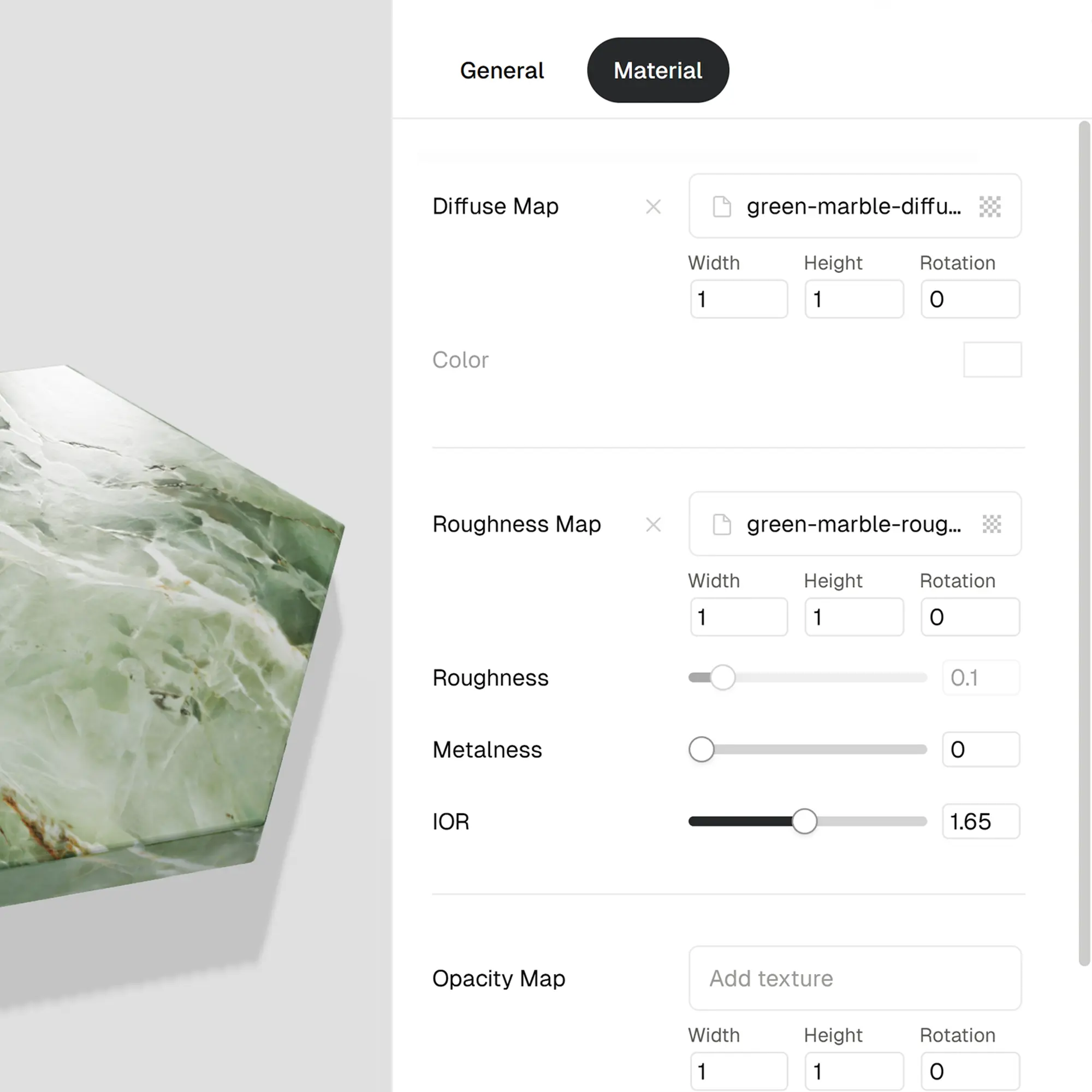
Step 3: Adjust Physical Properties
Dial in the realism. Control reflection, gloss, and relief depth to ensure the model reacts to light exactly like the physical object.
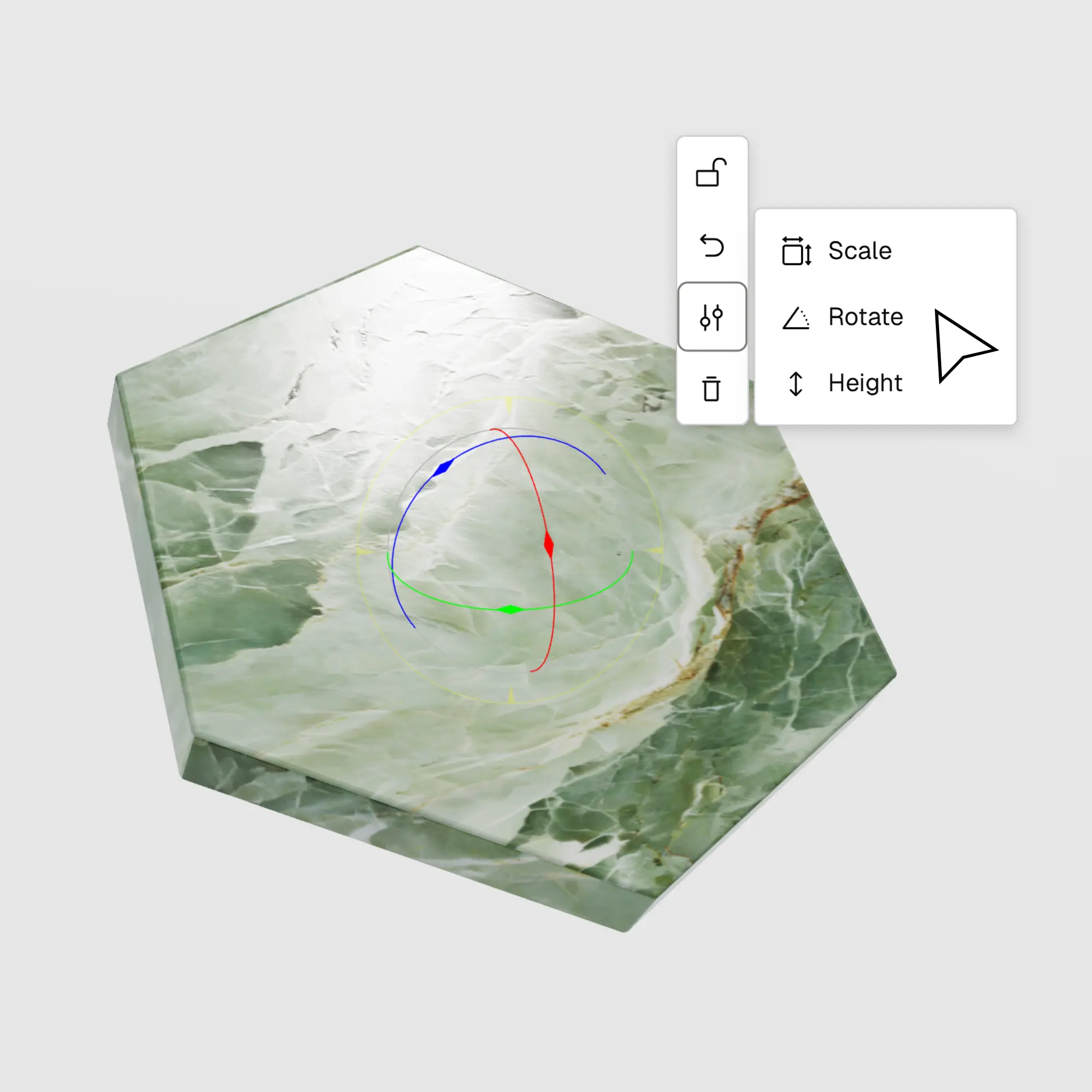
Step 4: Build Your Product Library
Save your finished digital twin to your personal collection, ready to be dragged and dropped into any future project.
Source Responsibly for a Sustainable Future